
Table of Contents
You’re staring at a subscription roadmap with 47 tasks and one engineer who’s already underwater. Every freelancer quote feels like a coin flip. $2,000 for a theme tweak? $10,000 for a “custom integration” nobody can quite explain?
Before you sign anything, ask a better question. What can you ship this week without anyone writing code?
Hire a developer only after you’ve exhausted self-serve options and validated demand through your first subscribers. Most subscription launches need far less custom code than teams assume. This guide shows you where the line actually sits, what to build yourself first, and how to hire well when you genuinely need help.
If you’re brand new to the subscription model itself, start with the subscription e-commerce fundamentals first.
What you can build without code
Here’s what operators can set up in Skio without a developer.
Plan picker on product pages. The plan picker installs as a Shopify app block, so you drag it into your product template from the theme editor.
Selling plans. Frequencies, discounts, prepaid plans, and gift subscriptions are all point-and-click.
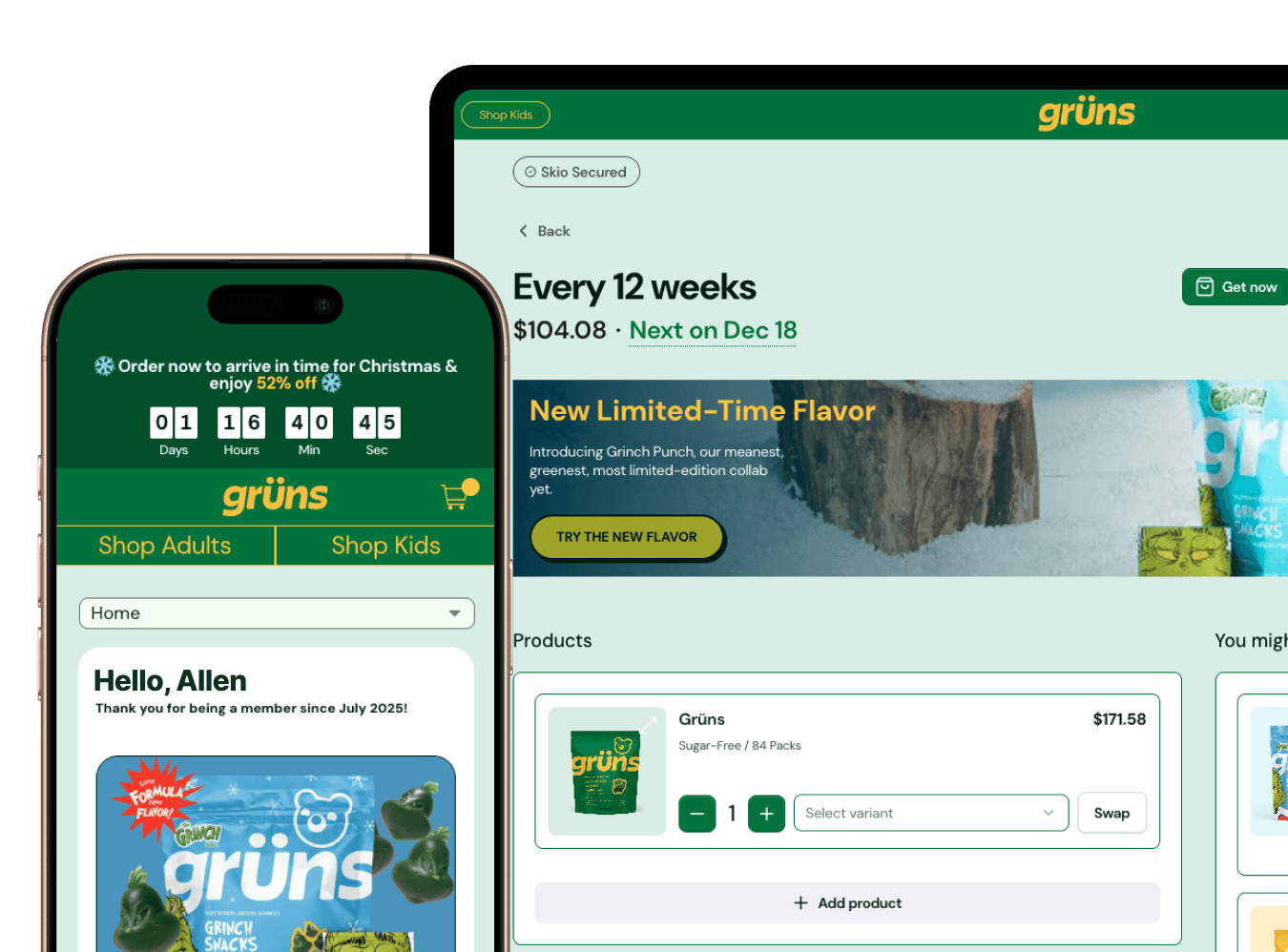
Customer portal. Branding, copy, feature toggles, and layout options live in settings, and customizing portal branding doesn’t require touching CSS.
Notifications. Order reminders, payment updates, and shipping notices are configured in the dashboard.
Cancel flows and one-time upsells. Built with templates and drag-and-drop editors.
Most Shopify themes built on Online Store 2.0 support app blocks natively, which is what makes this possible. Basic setup typically takes a few hours. Full configuration with testing usually takes a day or two.
Skio’s app blocks integrate with most Shopify themes in a few hours, with no developer needed for standard implementations. Walk through the self-serve install guide before you decide anything else. For a deeper version, see the self-serve setup guide for solo founders.
Five scenarios that require a developer
Some setups genuinely need engineering help. If you recognize your brand in one of these, budget for it.
Headless or custom frontend. You’re running Hydrogen, Next.js, or a custom React storefront, and you manage your own cart and checkout logic. App blocks don’t apply here. Someone has to wire subscription options into your frontend and cart through the API.
Custom theme with a non-standard product page. Your product page structure is so customized that the app block won’t render where you need it. Before hiring, test it. Skio’s guide to setting up the plan picker with the app block tells you quickly whether your theme cooperates.
Complex page builder integrations. Some page builders work cleanly with the plan picker and some need help. Check the page builder integration guide first, because a supported builder saves you a dev hire entirely.
Custom subscription logic. Dynamic pricing driven by external data or multi-tier bundles with rules no settings screen anticipates. These are real engineering projects.
Deep system integrations. Syncing subscription data into a custom CRM, a warehouse management system, or proprietary fulfillment logic. Webhooks and the API make this possible, and a developer makes it reliable.
You need a developer for headless builds, heavily customized themes, unsupported page builders, unique subscription logic, or deep system integrations. Standard setups don’t belong on that list.
What to build yourself first, even if you plan to hire
Even if you know you’ll need a developer, do the self-serve setup first. It’s the cheapest way to cut your eventual quote down to size.
Install in test mode. Get the self-serve install running on a development store. This validates that your product catalog works with subscription logic.
Configure your first selling plan by hand. You’ll learn which frequency options actually make sense for your product.
Test the portal and notifications. Walk through the customer experience end to end. You’ll spot UX issues before you pay anyone to redesign anything.
Run a cancel flow from a template. The retention data you collect tells you which custom features are worth building.
Developers quote based on requirements. Vague requirements produce padded quotes, while hands-on setup produces a specific scope. The getting started guide is the right place to begin.
Complete the self-serve setup first to validate your subscription logic and create specific requirements that prevent inflated developer quotes. When you’re ready to launch, the subscription launch testing framework covers what to test before going live.
Self-serve vs. developer routes, by cost
These are ballpark ranges for initial setup. Treat them as a starting point for budgeting, then compare against the actual quotes you collect.
Setup type | Time investment | Direct cost | Best for |
|---|---|---|---|
Self-serve | A few hours to a couple of days | $0 beyond your platform | Standard themes and simple catalogs |
Freelancer | 1-2 weeks | Roughly $500-2,000 | Minor customizations |
Shopify Expert or agency | 2-8 weeks | Roughly $2,000-8,000 and up | Custom themes and complex integrations |
In-house developer | 1-2 sprints | Salary allocation | Brands with ongoing custom needs |
Hidden costs come on top of every row. Self-serve costs you a learning curve. Freelancers add revision cycles and communication overhead. Agencies bring project management and scope creep. In-house builds carry opportunity cost and ongoing maintenance.
If you’re weighing outside help more broadly, our breakdown of why DTC brands are building subscription programs in-house covers the agency side of this decision.
How to write a dev brief that doesn’t get inflated quotes
A good brief reads like an internal wiki page. Copy this structure.
Open with your scope boundary. “We’ve completed the Skio self-serve setup and need help with one specific issue.” That sentence alone prevents a lot of padding.
Name your theme precisely. Theme name, version, whether it’s custom or off-the-shelf, and which app blocks are already installed.
List exact features. Write “Move the plan picker above the Add to Cart button on mobile,” never “Improve subscription UX.”
Provide test store access. Share a development store with Skio already installed so the developer can see the actual integration points.
Ask for an hourly estimate broken down by task. Task-level breakdowns make padding visible and keep project fees honest.
Ask for references. Specifically, other merchants they’ve built subscription experiences for.
Specific dev briefs with test store access and task-level breakdowns prevent scope creep and keep quotes tight.
Where to find subscription-savvy developers
Shopify Partners Directory. The Shopify Partners Directory lets you browse vetted partners. Look for subscription work in their portfolios and read real merchant reviews.
Skio’s partner network. Agencies and freelancers who’ve completed Skio builds before. Ask your Skio contact for an introduction.
Skip the generalists. A developer who’s never touched subscription logic will learn it on your budget.
Red flags. Quotes that arrive without questions about your theme. Promises of a “custom portal” before they’ve seen your brand. Timelines described as “we’ll figure it out.”
Green flags. They ask about your selling plan structure first. They reference specific Skio help docs. They offer a theme compatibility check before quoting.
The maintenance question nobody asks during hiring
Custom code breaks. It breaks when Shopify updates checkout, when your theme updates, when your subscription platform ships new features, and when you switch themes.
Self-serve setups avoid most of that. App blocks are maintained by the app, so they keep working through theme and platform updates without a developer stepping in.
If you do hire for custom work, budget for maintenance from day one. A few hours every quarter is a sensible minimum. The bigger hidden cost shows up when your original developer moves on and someone new has to reverse-engineer their work.
Make handoffs painless. Keep customizations isolated in clearly named files with comments that explain what each piece does and why.
Custom subscription code needs ongoing maintenance, while self-serve app blocks stay compatible without developer time. If you’re tempted to have engineers build portal tweaks, read why your dev team shouldn’t be building portal customizations.
Launch timelines for self-serve vs. developer paths
Path | Typical timeline | What happens |
|---|---|---|
Self-serve | About 1 week | Install and configure in days 1-2, test and tweak in days 3-4, launch on day 5 |
Freelancer | About 4 weeks | Brief and quotes in week 1, build in weeks 2-3, revisions and QA in week 4 |
Agency | About 8 weeks | Kickoff and discovery, then design and build, then testing and launch |
Every week of delay is revenue you’re not capturing from customers who’d happily subscribe today.
The hybrid path works well. Launch self-serve in week one, collect real subscriber feedback, then bring in a developer in month two or three for the customizations that feedback proves you need. If you want to go fast, there’s a 3-day self-install walkthrough and a complete guide to launching without developers.
Self-serve launches take about a week, freelancer builds about a month, and agency implementations about two months.
When good enough beats perfect, and when it doesn’t
Good enough wins when you’re validating demand, testing pricing, or learning what subscribers actually want. Perfect starts to matter when you’re at real scale, when brand experience is your main differentiator, or when your product logic is genuinely complex.
The trap is spending two months on a custom portal design before you know whether anyone wants to subscribe. A common version of this story goes like this. A brand invests heavily in a custom portal, launches, and discovers subscribers mostly wanted more shipping flexibility. That was a settings toggle all along.
Launch with defaults. Collect your first hundred subscribers. Read what they ask for, then customize what actually matters.
Launch with self-serve defaults to validate demand first, and invest in custom development only after collecting real subscriber feedback.
The operator’s checklist before you hire anyone
Completed the Skio self-serve install and tested it on a development store.
Configured at least one selling plan with realistic frequency options.
Tested the customer portal flow from login through subscription management.
Identified the specific features that don’t work with the self-serve setup.
Documented exact customization requirements with screenshots.
Confirmed your theme doesn’t support app blocks where you need them.
Estimated subscriber volume for the next six months to justify custom work.
Budgeted for ongoing maintenance on top of the initial build.
If you can’t check six of these eight boxes, you’re not ready to hire a developer yet.
FAQ
Can I set up Skio subscriptions without a developer?
Yes. Skio’s app blocks work with most Shopify themes out of the box, and you can configure selling plans, the customer portal, notifications, and cancel flows with zero code.
How much does it cost to hire a Shopify developer for subscriptions?
Ballpark, freelancers charge roughly $500-2,000 for basic customizations, and Shopify Experts charge roughly $2,000-8,000 or more for complex integrations. Self-serve setup costs nothing beyond your platform.
How long does a custom subscription build take?
Freelancer builds typically take around four weeks, and agency projects often run about eight. Self-serve launches can be done in about a week including testing.
Do I need a developer for headless Shopify subscriptions?
Yes. Headless builds on Hydrogen or Next.js require custom cart logic and API integration, so plan for a real engineering project.
What subscription features require custom development?
Headless frontends, non-standard theme structures, unsupported page builders, dynamic pricing logic, and deep system integrations. Standard setups don’t.
Should I hire a developer before or after launching subscriptions?
After. Launch with self-serve first, then hire once you’ve validated demand and collected subscriber feedback on which customizations actually matter.
The fastest subscription launch is usually the one where nobody waits on a developer. Ship the self-serve version, learn from real subscribers, and hire for the gaps you can prove.