Customer Portal
New
Backup Products let you offer subscribers an alternative when their usual item is out of stock, so an OOS product means a swap instead of a missed shipment.
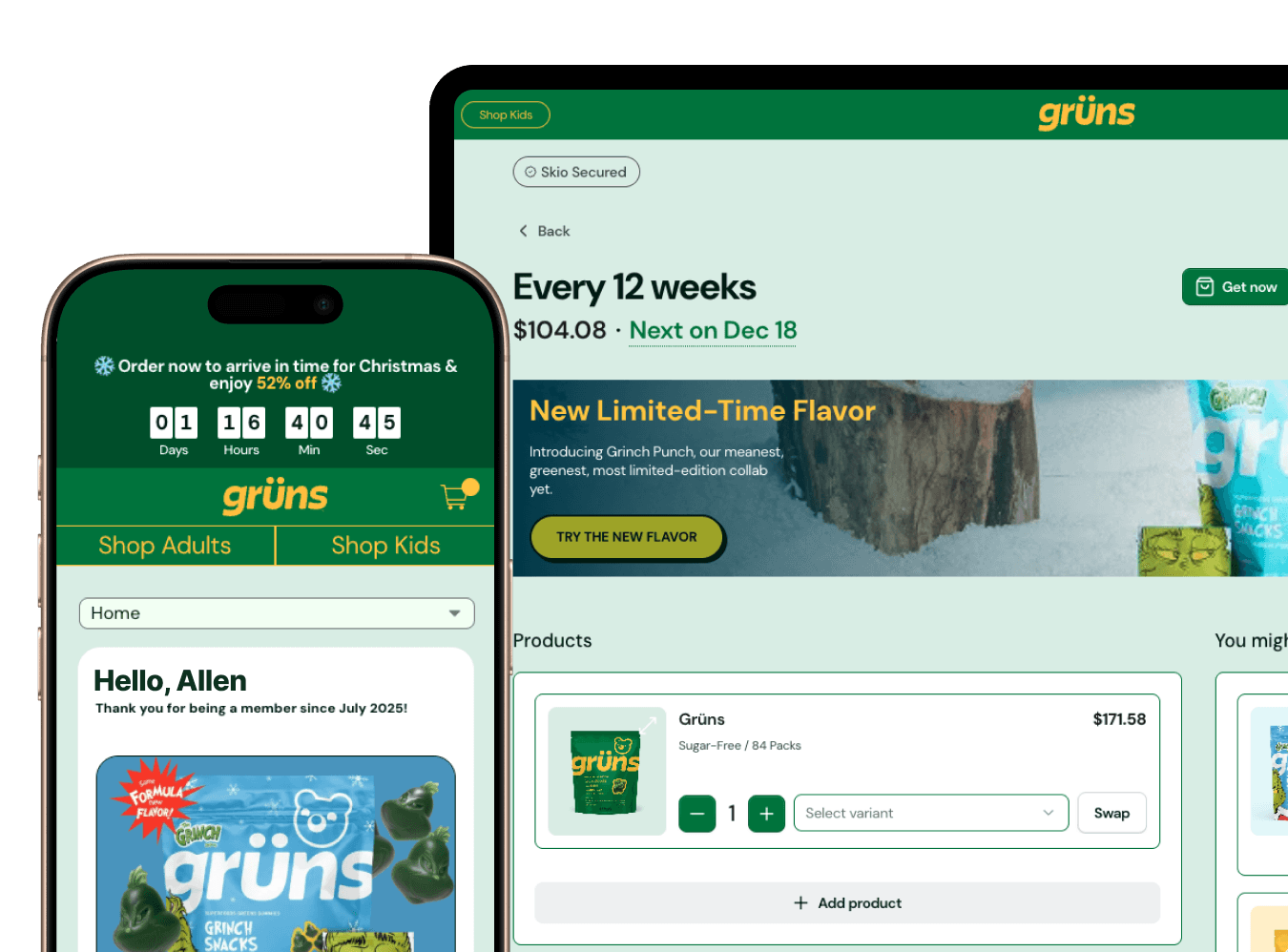
Turn it on under Customer Portal, Advanced, Out of stock items, and subscribers with an out-of-stock product can pick a replacement before their next billing date. The backup options come from swap recommendations, set under Products, so you control what surfaces: rank the replacements you'd actually endorse, and subscribers see those first with the rest of your catalog after. When a product goes out of stock, subscribers get a notification that their usual item is unavailable and prompts them to choose a backup, with a default sent if they don't pick one. The subscription card in the portal flags a backup product when billing is close, so nobody's surprised by what shows up. You can also send a quick action link that drops subscribers straight into backup selection.
Instead of shipping a lighter order or none at all when stock runs out, you keep the order whole, protect the revenue on that shipment, and give subscribers a say in what they receive.